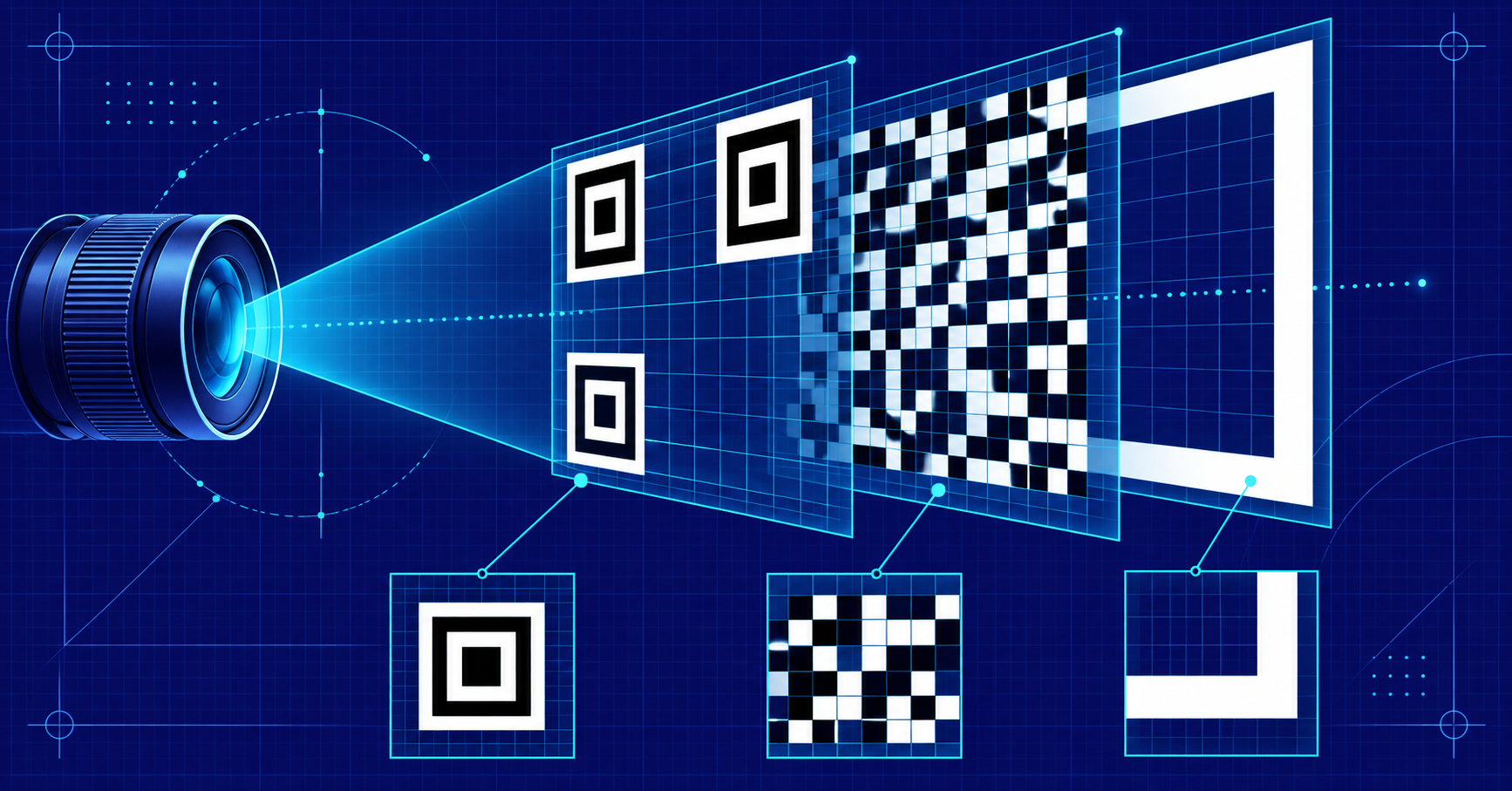
A QR code stores information in a pattern of small light and dark squares. A phone camera or scanner detects the pattern, decodes the information and offers an action, such as opening a web address or displaying text.
The code itself is a way to store and share data. Whether it needs the internet, can be changed later or records visits depends on what is encoded and how the destination is managed.
What happens when you scan a QR code?
- The camera sees a pattern. The scanner identifies the code and its boundaries, even when the code is tilted within reasonable limits.
- Software decodes it. The scanner reads the arrangement of squares, checks the encoded data and uses error correction where possible.
- Your device presents an action. Depending on the content and device, it may show text, offer a web link or prompt you to join a Wi-Fi network or save a contact.
For a web link, review the address before opening it. Opening the page generally requires a connection to the internet and an accessible destination.
What are the squares and markers for?
- Modules: the small light and dark squares that make up the pattern.
- Finder patterns: the large corner markers that help a scanner locate and orient a standard QR code.
- Quiet zone: the clear space around the symbol that separates it from nearby artwork.
- Data and error-correction information: encoded information that lets a reader recover the intended content and tolerate some damage.
Other patterns help the reader interpret the grid. More information can require a denser symbol with smaller modules at the same printed size.
What can a QR code contain?
A code can encode a URL, plain text or structured information that a compatible device can interpret, such as Wi-Fi connection details or a contact card. A URL code can lead to a web page, a hosted file or another online destination. The code generally contains the address, not the complete website or file.
For example, a café might put a URL code on a table to open its online menu. A business card might contain contact details directly or link to an online profile. The phone's response depends on the encoded content and its software.
Static and dynamic QR codes: what changes?
A static QR code contains its data directly. After it is printed, that encoded data cannot be rewritten. If it contains a web address, the owner of that address may still update the page or server behind it.
A dynamic QR code typically contains a short address that sends visitors onward to a destination managed by the code owner. Changing that destination can let the same printed code lead somewhere new. The redirect service and destination must remain available. The service may also record visits to the short address; this is not an inherent feature of every QR code.
See our guide to dynamic QR codes for the tradeoffs.
Do QR codes work without the internet?
The scanner can often decode the pattern offline. Text or contact details encoded directly in the symbol may be displayed without a network connection. A code that points to a website, hosted file or dynamic redirect normally needs an internet connection to reach it.
Why does a code stop working?
A code may be too small, low contrast, blurred, damaged or missing its clear border. A code can also scan successfully but point to a broken or unavailable page. See the QR code troubleshooting guide and test printed material with the print-size checklist.
Are QR codes safe?
A QR code can encode an unsafe link just as a message can contain one. Preview the destination, be cautious with unexpected requests for passwords or payments, and use a known address if unsure. Learn how to recognize QR code phishing and scams.
Ready to make one? Start with the QRPathway URL QR code generator, then scan your finished code and check the destination.