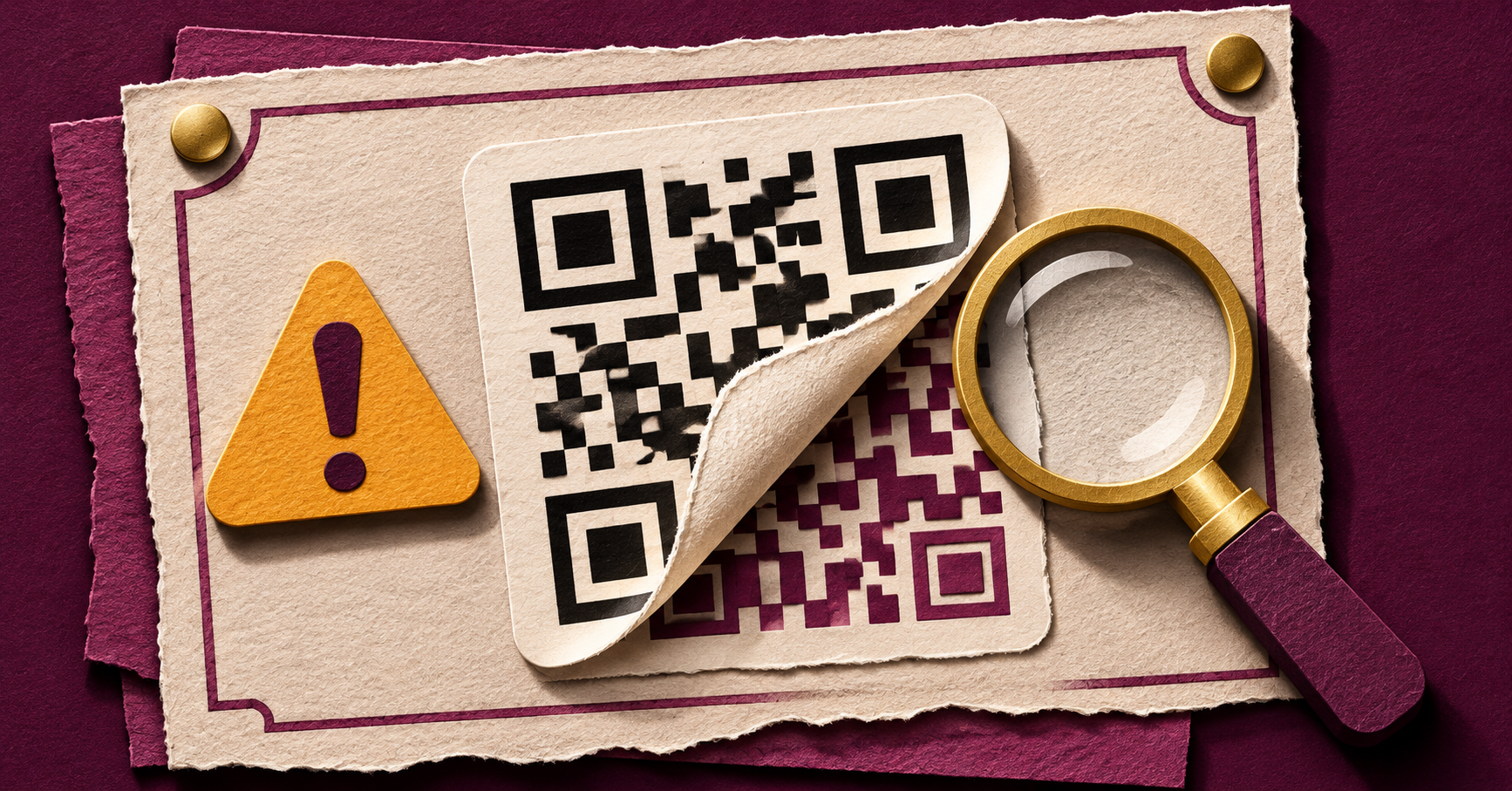
Quishing is phishing carried out with a QR code. A scammer uses a code to send someone to a deceptive website, where they may be asked for passwords, payment details or other information. QR codes are useful, but the square pattern alone does not reveal whether the destination is trustworthy.
Scammers can put a sticker over a genuine code, send a code in an unexpected email, or place one on a fake notice. The US Federal Trade Commission warns about suspicious QR codes on parking notices.
How a quishing attack works
- An attacker places or sends a code where a person is likely to trust it, such as a parking sign, delivery message or invoice.
- The code opens a page that imitates a real organization or creates a sense of urgency.
- The page asks the visitor to sign in, enter payment details or download something.
Simply seeing a QR code does not mean it is malicious, and scanning does not always cause harm. The risk depends on the destination and what happens next. Treat unexpected requests for credentials, payment or downloads with care.
Warning signs of a QR code scam
- A sticker appears to cover an original code or looks out of place on a sign.
- A message insists you must scan immediately to avoid a penalty or account closure.
- The address in the phone's preview is unfamiliar, misspelled or unrelated to the organization.
- The page asks for information that does not fit the task, such as a password to view a public menu.
- A payment request arrives through a channel you did not expect.
A padlock or HTTPS connection alone does not prove a site is legitimate. Scammers can use encrypted sites and convincing brand names too.
How to check a QR code before opening it
- Look at the context. Was the code expected? Check printed signs for a replacement sticker or other tampering.
- Inspect the URL preview. Many phone cameras show a link before opening it. Read the domain carefully, including the part immediately before the first slash.
- Use a known route if uncertain. Type the organization's address yourself or use its official app or a previously saved bookmark.
- Avoid unexpected downloads and logins. Do not enter sensitive details just because a QR code requests them.
For scanning instructions, see how to scan QR codes on iPhone and Android.
What businesses can do to protect customers
- Tell people what the code opens, for example “View our menu,” and include a readable alternative web address.
- Inspect public signs and table displays for stickers or replacements.
- Use a domain customers can recognize when available, and explain that a familiar-looking name is not proof of safety.
- Keep control of your account, destination pages and any custom domain. Review who can edit dynamic links.
- Test codes after printing and whenever you change a destination.
A branded domain can help visitors recognize an address, but it cannot prevent an attacker from using a lookalike domain or replacing a physical code. Staff and customers still need to verify the destination.
What if you already scanned a suspicious code?
If you have not entered information or downloaded anything, close the page and independently check the request through the organization. If you entered a password, change it through the official site and follow that service's account-recovery guidance. If you supplied payment information, contact your bank or payment provider using a trusted number. Report suspected fraud to the relevant local authority or organization.
Are QR codes safe to use?
QR codes are a way to encode information; they are not inherently a guarantee of safety or danger. Check the source and destination, just as you would with a link in a message. If you create codes for your business, use clear context and test the destination your customers will see.