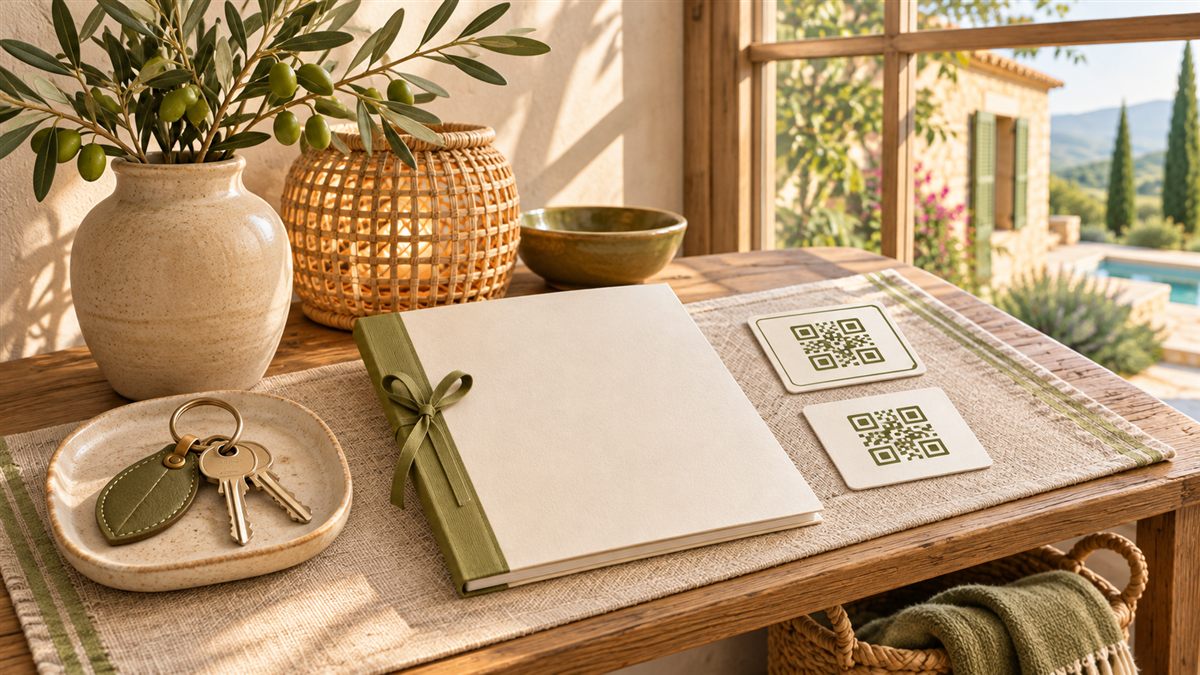
QR codes can help vacation rental guests find the Wi-Fi details and house guide without typing a long address. Use separate, clearly labelled codes: a Wi-Fi QR for the guest network and a File or URL QR for the welcome guide. Test both in the property and keep a readable alternative available.
The information in or behind a code may be accessible to anyone who can see it. Keep private host details, door codes and other sensitive information out of publicly visible codes and pages.
Choose what each code should do
| Guest's need | Suitable QR type | Label example |
|---|---|---|
| Join the guest network | Wi-Fi | “Connect to guest Wi-Fi” |
| Open a welcome booklet | File QR for a supported upload, or URL to a maintained page | “Read the guest guide” |
| Find local information | URL to a public page or map | “Explore local recommendations” |
One code for each clear action is easier to understand than a cluster of unlabeled images. Include a printed network name or guide address where appropriate, and offer another way to contact the host.
Create the guest Wi-Fi code
- In QRPathway, choose Wi-Fi and enter the guest network name and password exactly as configured.
- Select the security option supported by the network and the form, and set the hidden-network option only if appropriate.
- Create the code, download it and scan using a phone that is not already connected. Confirm the device offers the intended network and can connect.
- Print a proof and test it in the place guests will see it. Label it clearly.
The code contains the network credentials; it is convenient sharing, not a way to hide the password. Use a guest network appropriate for visitors, and replace the code if the network name or password changes. See the guest Wi-Fi QR tutorial.
Create a QR for the welcome guide
Prepare a short, mobile-readable guide with check-in or check-out guidance, appliance instructions and appropriate contact options. Avoid sensitive access details in a public document. If using a PDF, check all pages on a phone; a text-based page may be easier to navigate for some guests.
In the signed-in creator, choose File, upload the supported guide and check your account's file type and size limits. Create and download the code, then scan it from another phone. QRPathway's File workflow is designed to allow replacement of the uploaded file behind its managed link. Keep the link and alias unchanged and test the original code after every update. See the file QR guide.
Alternatively, choose a URL code for a guide hosted on your own website. A dynamic URL can be useful if the page address may change. The website or file service still needs to remain available throughout the guest's stay.
Design for a real arrival
A fictional host places two cards near the entry: “Connect to guest Wi-Fi” and “Read the house guide.” Each has a written alternative and a clear border around the code. Before a new guest arrives, the host scans both using mobile data, checks the correct property guide, and confirms the Wi-Fi code connects to the guest network.
Avoid putting the guide only behind a network that guests cannot join without first reading the guide. Keep essential arrival and emergency information available without a QR code or internet connection. Use large enough print, good contrast and a surface without glare.
Maintain information and privacy
When the Wi-Fi password changes, create a replacement directly encoded Wi-Fi code and update every displayed copy. When the guide changes, replace the managed file or update the maintained page, then test the original QR. Review any personal information in the document and check that your link-sharing settings match your intended audience.
For several properties, name each code and guide distinctly. Scan a retained copy before placing it at the property; a guide for the wrong address or appliance can be confusing. Keep a simple record of who maintains each link and file.
Common questions
Can I use the same code for Wi-Fi and the guide?
They are different actions. Separate labelled codes usually make the guest's choice clearer. A web guide can contain Wi-Fi instructions, but that guide itself may require internet access.
Can I update the guide without printing again?
A maintained page, editable dynamic URL or QRPathway File workflow can support updates while the original link remains active. Test the same printed code after each change.
Is a Wi-Fi QR code private?
Its encoded credentials can be decoded by someone who sees it. Use it only where you intend to share guest access and follow your network security practices.
Start with the Wi-Fi tutorial and the file QR tutorial.