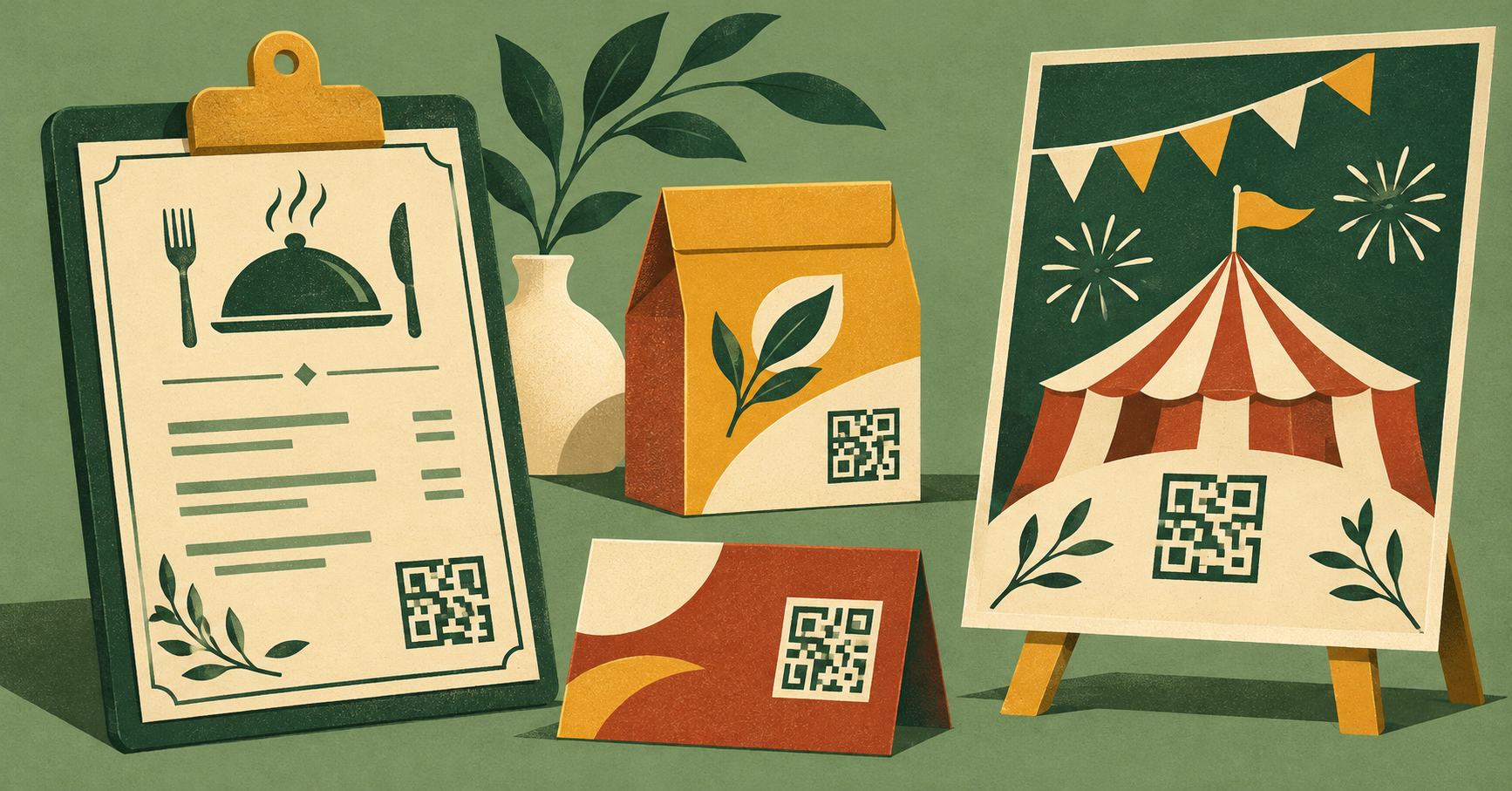
Businesses use QR codes to connect a physical item to a useful next step: a restaurant menu, a contact card, a product guide or a booking page. The best placement gives people a clear reason to scan and takes them directly to the promised information.
Here are practical examples for small businesses and marketing teams, with a suggested destination and a test to run for each.
1. Restaurant menus and specials
Place a code on a table tent, takeaway counter or window that opens a mobile-friendly menu. A URL code can link to a web page; a dynamic file code can share an uploaded menu file that you update later. Check that the menu is readable on a phone and provide a non-digital option for customers who need one.
2. Product instructions and packaging
Add a code to packaging that opens setup instructions, a care guide or a support page. If you share an updated file, check that the current version is the one customers receive. Test the code on a filled package: folds, seams and curved surfaces can affect scanning.
3. Business cards and contact details
A contact code can help someone save a vCard, while a URL code can open a portfolio or contact page. Include your name or website in readable text as well. Start with the vCard QR code generator or link to your own contact page.
4. Guest Wi-Fi
Give visitors an easier way to connect by displaying a Wi-Fi QR code at reception or on a table. Verify the network name and password, and replace the code when the credentials change. Anyone who can decode the code may see those credentials, so share only a network intended for guests. Create one with the Wi-Fi QR code generator.
5. Customer reviews
A code on a receipt or counter card can open your business's review link. Ask for honest feedback and follow the review platform's current policies; do not promise a reward for a positive review or filter requests by sentiment. See how to create a Google Business review QR code.
6. Flyers, posters and direct mail
Link a printed promotion to a page that matches the offer. Write a short action line, such as “See the workshop schedule,” so people know what they will get. If a campaign page may change after printing, an editable dynamic code can provide flexibility.
7. Events and trade shows
Use a code on a booth sign to open a public event schedule, product demo or lead form. A scan is not the same as a registration or form submission. For a Salesforce example, see how to link a code to a Web-to-Lead form.
8. Social profiles, maps and bookings
A salon might link to its booking page, a shop to directions, and a creative studio to its social profile. Check that the destination opens without an unexpected login and works well on a small screen. Read the Instagram QR code guide for profile and post links.
How to choose the right code
Start with the action a visitor wants to complete. Use a static code for information that will remain fixed, or an editable dynamic code if you may need to change a link or file after printing. Depending on your settings and plan, dynamic codes can also provide visit statistics. A scan count alone does not prove a sale, review or completed form.
Create a website code with the QRPathway URL generator. Keep the pattern high contrast, leave clear space around it and test a finished proof with more than one phone. The print-size guide covers sizing and scan distance.