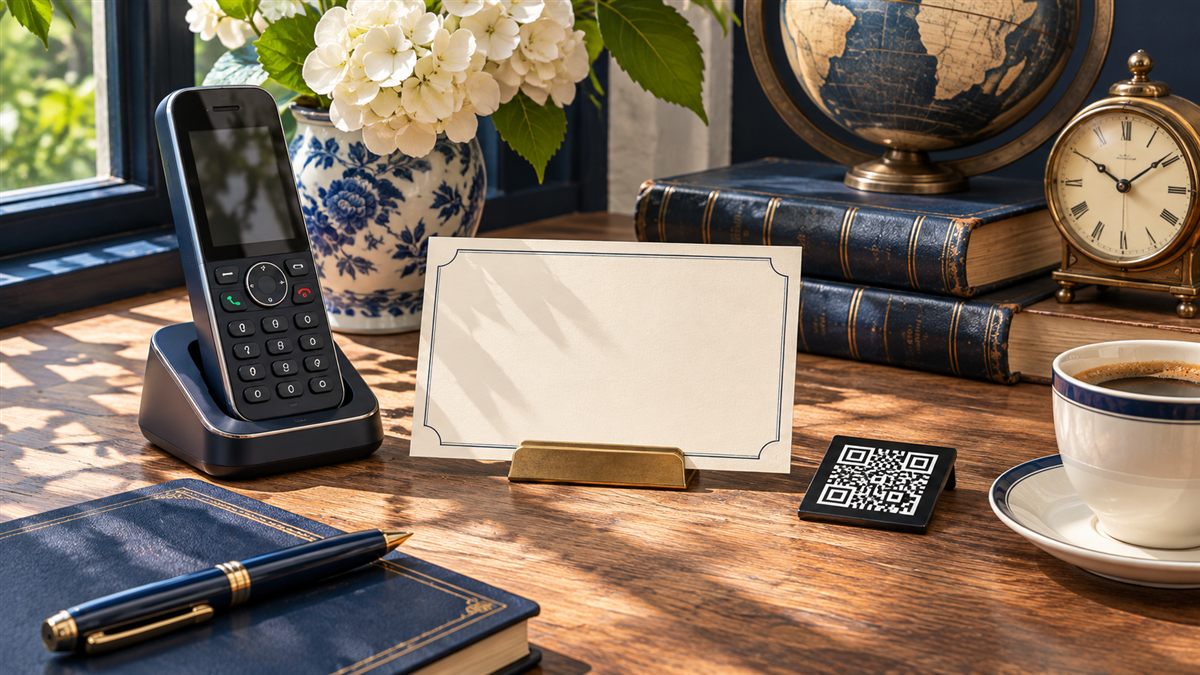
A phone QR code gives a visitor a quick way to open a business number in a compatible phone's dialer. Enter the number in QRPathway's Phone type, create the code and scan it with another phone. The visitor chooses whether to place the call; a scan does not automatically connect or prove that a call happened.
Use a business number that is intended to be public, and print the number in ordinary text beside the code for people who prefer to dial it themselves.
Prepare the number
Check the digits, country code and any local or international dialing requirements with your phone provider. An internationally formatted number can help visitors calling from another country, but dialing behavior and charges depend on the caller's provider and location. Test from the places where customers will use it.
Do not embed a private personal number in a public code unless you intend to share it. The number is part of the encoded information and can be read by anyone who scans or decodes the image.
Create the phone QR code
- Open the phone QR generator or select Phone in the signed-in QR creator.
- Enter the business phone number in the format accepted by the form, including the appropriate country code where useful.
- Choose a clear, high-contrast design and keep the margin around the pattern unobstructed.
- Create and download the code. Scan it with a different phone and check the full number shown in the dialer.
- If appropriate, place a test call and confirm it reaches the correct business line. Test the final printed card or sign too.
Device capabilities vary: a tablet or desktop may not have a configured calling application. The visitor should always have an alternative contact method.
Give customers a reason to call
Use a label such as “Call our reservations team” or “Call for service appointments.” Include business hours and, if relevant, a website or email address for people contacting you outside those hours. A phone QR does not manage a call queue or provide automatic replies.
For a fictional repair business, a service card could show a phone QR beside a written number and “Call to book a repair.” Before handing out cards, the owner checks that the number is correct, that calls are answered and that the printed image scans in ordinary light.
Choose a sensible placement
Business cards, appointment reminders and reception signs can give people enough time to scan. Place a code where the visitor can stand safely and use a phone. A small QR on a moving vehicle or a distant roadside sign may be impractical; a large written phone number may be more useful there.
Keep the code square, with strong contrast and a clear border. Print a proof on the actual material and check the expected scanning distance. Glossy coatings, folds and tiny printing can make a pattern harder to read. See QR code size for print.
What happens if the number changes?
A directly encoded phone number remains fixed in the printed image. If you change numbers, keep the old line working or replace the code on your materials. A dynamic URL to a contact page can be an alternative when you need an editable destination, but it adds a web page to the visitor's journey and does not turn an old Phone code into a dynamic one.
Keep a list of the places where your number appears and update the written number as well as the QR image. If a designer creates several variants, scan each final export to avoid carrying over an old number.
Troubleshooting
If the image does not scan, check the size, contrast, border and image quality. If it opens the wrong number, check the saved QR and the file placed in the artwork. If the number is correct but the call fails, test the calling service, international dialing format and device. QRPathway cannot determine whether the receiving business answered or whether a sale followed.
Common questions
Will scanning call the number automatically?
The code can offer a phone action; the visitor and their device control whether a call is placed.
Can I track completed calls from the QR code?
A directly encoded Phone QR should not be assumed to provide managed-link analytics or confirm calls. Measure actual calls through your own phone system where appropriate.
Can I change the number without reprinting?
No. The directly encoded phone number is fixed in the pattern. Keep the old line active or replace the printed image.
Create a code in the phone QR tool, then confirm the number in a real dialer.