Quishing and QR Code Security: Protecting Your Customers from Phishing Scams
Created on 27 September, 2025 • Learn About QR Codes • 3 minutes read
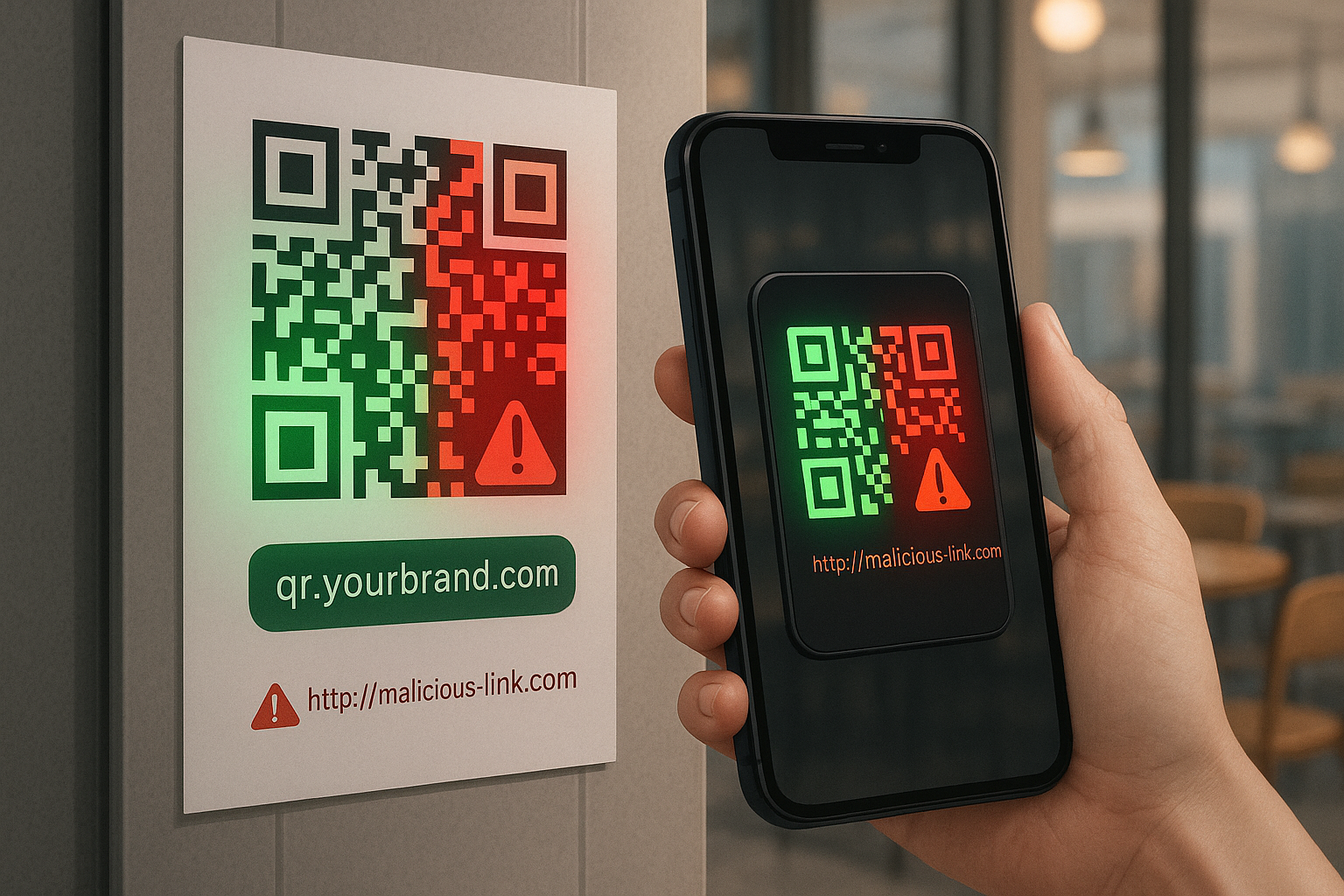
As QR codes have become ubiquitous in everything from restaurant menus to mobile payments, cybercriminals have found new ways to exploit them. Quishing a portmanteau of QR code and phishing is a growing threat in 2025 and beyond. In this scam, attackers embed malicious links in seemingly harmless QR codes to trick unsuspecting users into visiting fraudulent websites or downloading malware.
Unlike traditional phishing emails, these QR-code phishing attacks are harder to detect because a QR code’s destination isn’t visible until it’s scanned. This article explains how quishing works, why it’s dangerous, and how custom branded domain names can help keep your customers safe.
What is quishing and how does it work?
Quishing (also called QR-code phishing) involves replacing a legitimate QR code with a malicious one or sending an unexpected QR code via email or text. When scanned, the QR code opens a hidden link that may lead to a fake login page, a malware download or a form designed to harvest personal information.
Attackers can deliver these fake codes in phishing emails, stickers placed over real QR codes, or fake invoices. Because users often trust QR codes and may act quickly on promotions, quishing campaigns can be very effective especially when they mimic reputable brands or offer urgent incentives like discounts or account verification.
Why QR-code phishing is dangerous
- Invisible URLs – You can’t see where a QR code leads until you scan it; this makes it easier for attackers to hide malicious websites
- Broad attack vectors – Quishing codes can be printed on posters, sent in emails or embedded in invoices
- Urgency and trust – Scammers exploit urgent language (“scan now or your account will be locked”) to push users into quick action
- Potential consequences – Victims may unknowingly enter their login credentials on fake pages, download malware or disclose financial details.
Tips to protect your customers (and yourself)
- Educate users about quishing. Encourage customers to be cautious when scanning unsolicited QR codes. Suspicious codes in emails or texts should be ignored.
- Verify the source. Before scanning a code on a poster, table tent or flyer, check that it hasn’t been tampered with or replaced.
- Preview the URL. Most smartphones display a URL preview before opening a QR code link; users should confirm the domain is correct and secure.
- Use security apps. Suggest customers install mobile-security apps that can detect malicious URLs and block suspicious websites.
- Avoid entering credentials on scanned links. If a scanned QR code requests login information or payment details, advise users to instead navigate manually to the official website.
- Promote branded domains. Scanning a QR code should reveal your brand’s domain in the preview (e.g., qr.yourbrand.com). Seeing a familiar name builds trust and reduces the chance of customers falling for quishing scams.
How custom branded domains improve QR code security
One of the simplest ways to build trust and reduce the risk of quishing is to use custom branded domain names for your QR codes. QrPathway lets you replace generic short links with a domain that matches your brand e.g., yourbrand.com/promo instead of qrpathway.com/shortlink.
By personalizing your URL, you create a web address uniquely associated with your business. Each QR code you generate can display your branded URL, making it instantly recognizable and more credible to customers.
Custom domains also allow you to use subdomains such as qr.yourbrand.com to keep your main website separate from your marketing links while maintaining brand consistency. When users see a familiar domain in the preview of a QR code link, they can more confidently trust that it’s legitimate.
QrPathway’s step-by-step guide explains how to connect your custom domain and even set up an index page and 404-redirect page to ensure that all your QR codes lead to branded content.