How Is a QR Code Generated
Created on 1 October, 2025 • Learn About QR Codes • 1 minutes read
How Is a QR Code Generated?
QR codes may look complex, but generating one is a straightforward process. Let’s walk through how QR codes are created and how QrPathway makes it simple for anyone to generate both static and dynamic QR codes.
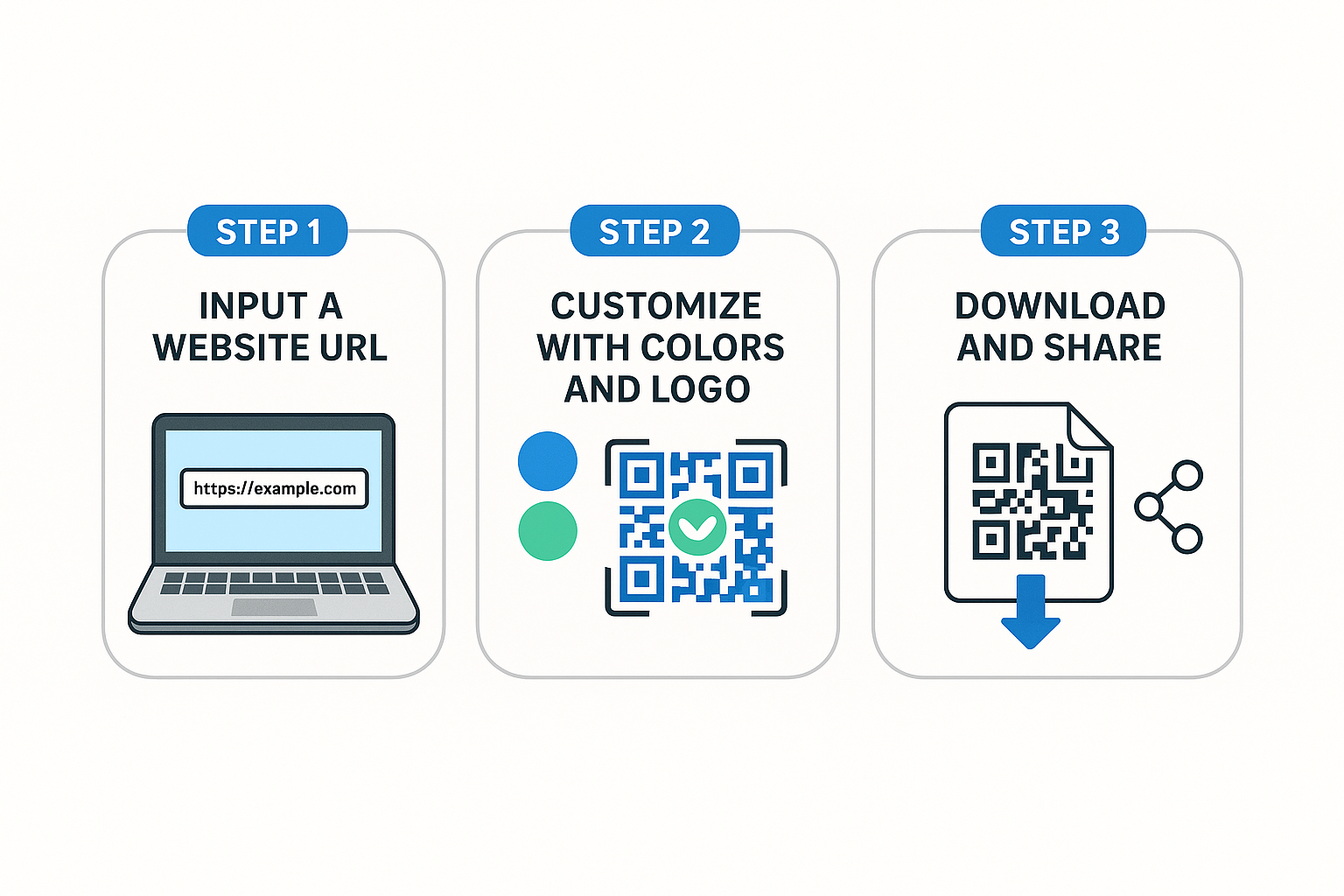
Step 1: Enter the Data
The first step is providing the information you want to share — such as a website URL, text, contact details, or a file link. QrPathway allows you to input this data easily through its online generator.
Step 2: Encode into a QR Code
Behind the scenes, the information is converted into a pattern of black and white squares. Each square represents binary data that can be scanned and decoded by any smartphone.
Step 3: Customize the Design
With QrPathway, you can personalize your QR code by changing colors, adding a logo, or adjusting shapes. This makes the code both functional and aligned with your brand.
Step 4: Download and Share
Once generated, the QR code can be downloaded in high-resolution PNG or SVG format. From there, it can be printed on posters, business cards, packaging, or used digitally in emails and websites.
How QrPathway Makes It Smarter
- Dynamic QR codes let you update the link anytime.
- Built-in analytics track scans by time, location, and device.
- Security features like password protection and scan limits.
- Custom branding options to match your identity.
Generating a QR code is simple, but making it effective takes the right tools. With QrPathway, you can create codes that are not only functional but also dynamic, trackable, and brand-ready. Generate your free QR code now and see the difference.